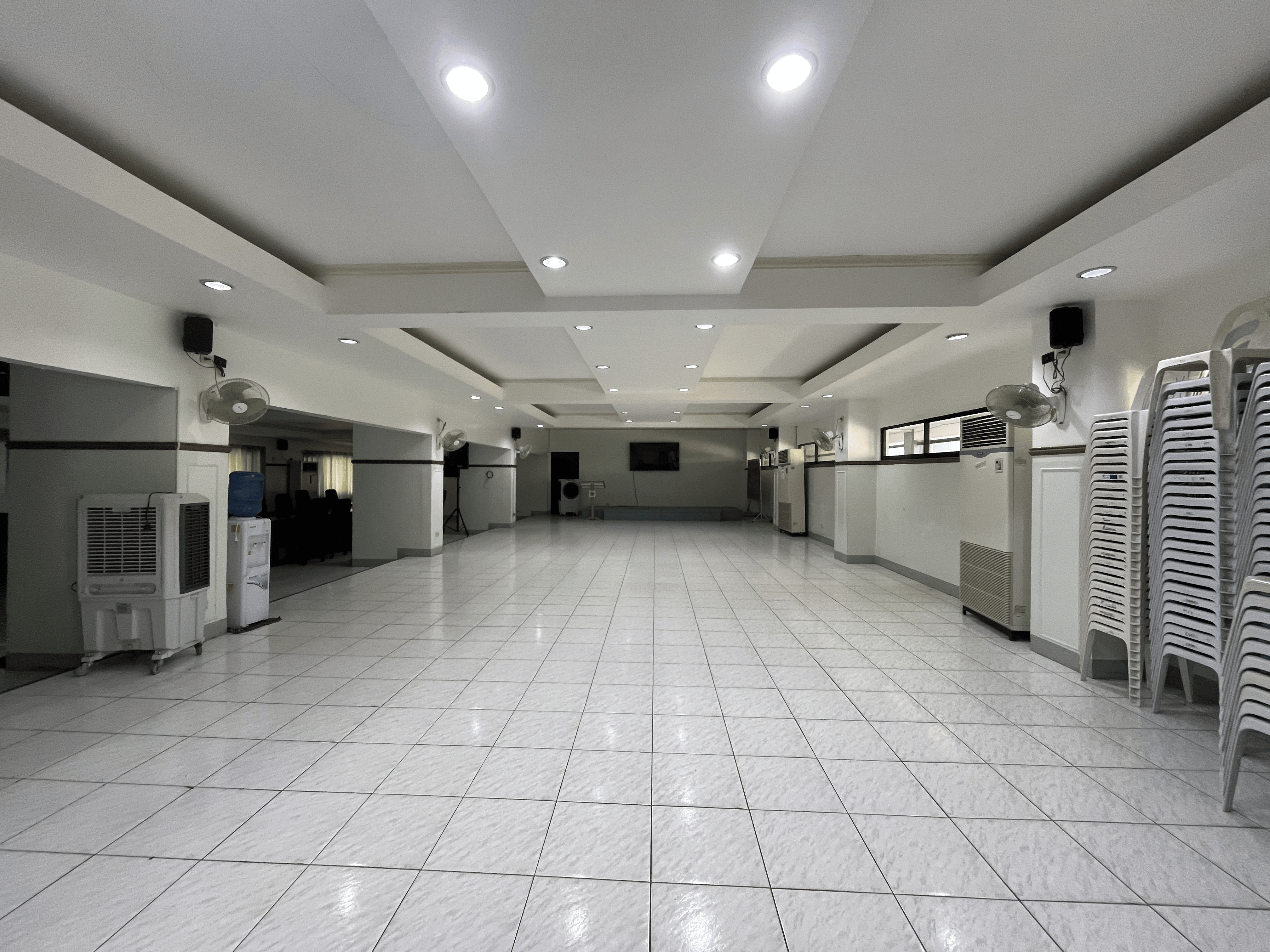
CHIC Conference Hall
Interior view of the Conference Hall & Interaction Center.

Palompon Institute of Technology
Preview public facility availability, explore venue schedules, and sign in to submit reservation requests for PIT venues and equipment.
Today
Oct 7, 2026
10:32 PM PHT
Weather
Loading weather...
Palompon, Leyte
Interactive calendar
Tap a date to inspect request details and availability.
Loading request information...
There are no public requests on this date. The venue appears available for a new reservation request.
Login to Submit a RequestAbout Us
PIT Facility & Equipment Request System (PITFR) is Palompon Institute of Technology’s reservation and scheduling portal. It helps the institution coordinate facility availability, review requests, and keep approved activities organized in one place.
PIT venues such as the Conference Hall, Gymnasium, and Oval Grounds, along with available activity equipment.
To make reservation requests, availability checks, scheduling, and approval coordination more consistent.
PIT students, faculty, and staff who plan activities and need to reserve campus facilities or equipment.
Explore the spaces
Interior view of the Conference Hall & Interaction Center.
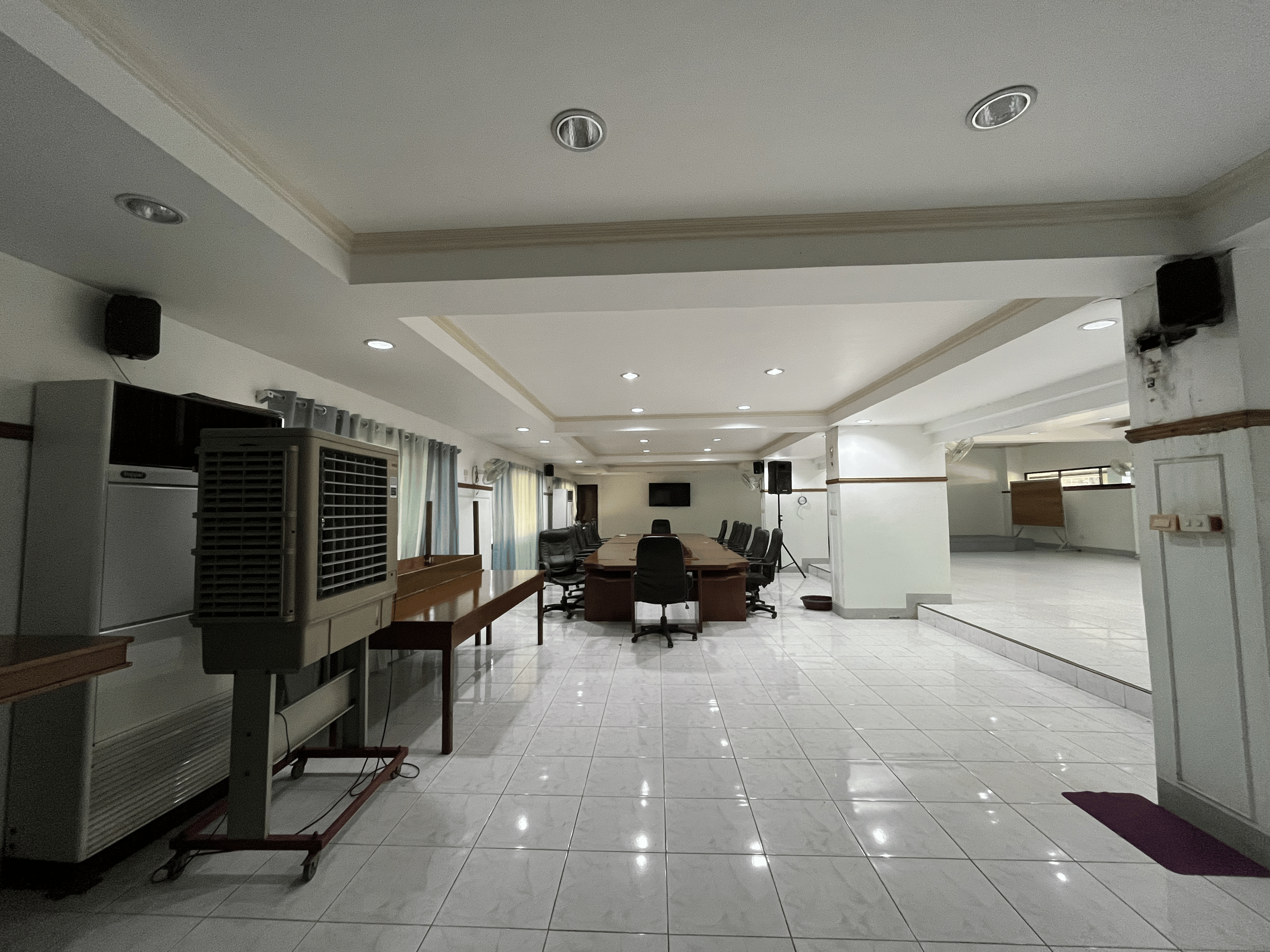
Additional interior view of the Conference Hall & Interaction Center.
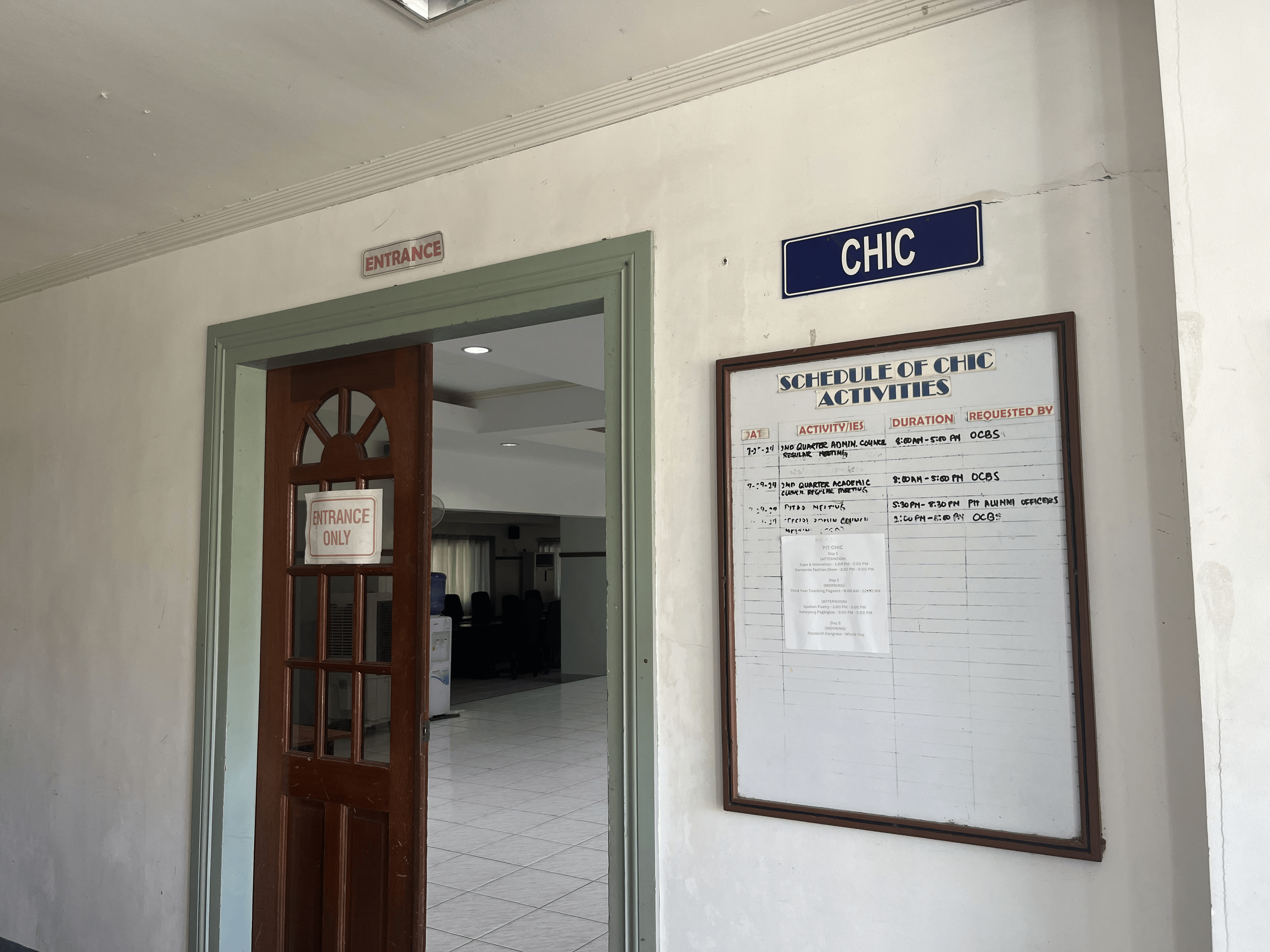
Main entrance of the Conference Hall & Interaction Center.
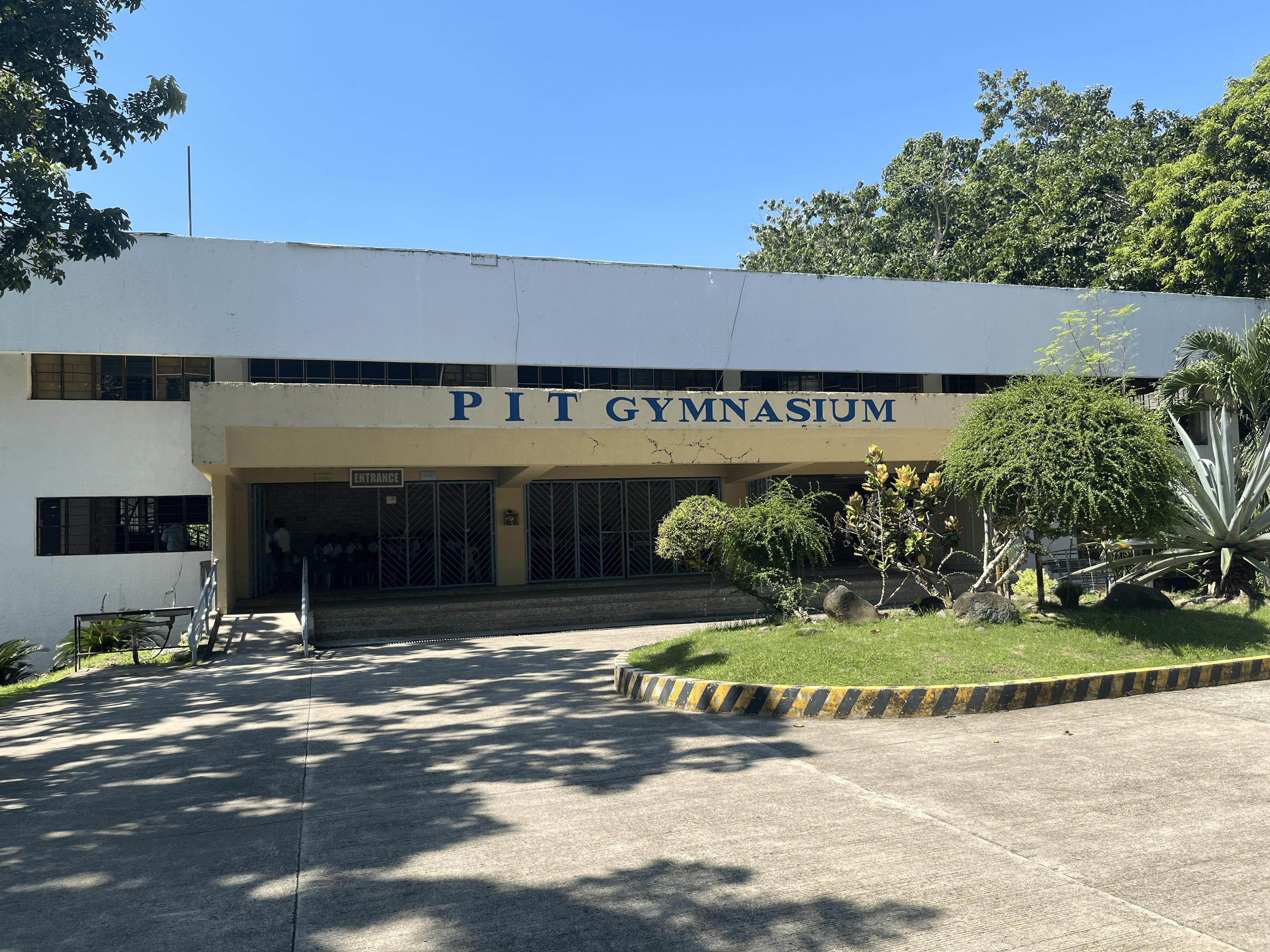
PIT Gymnasium exterior.
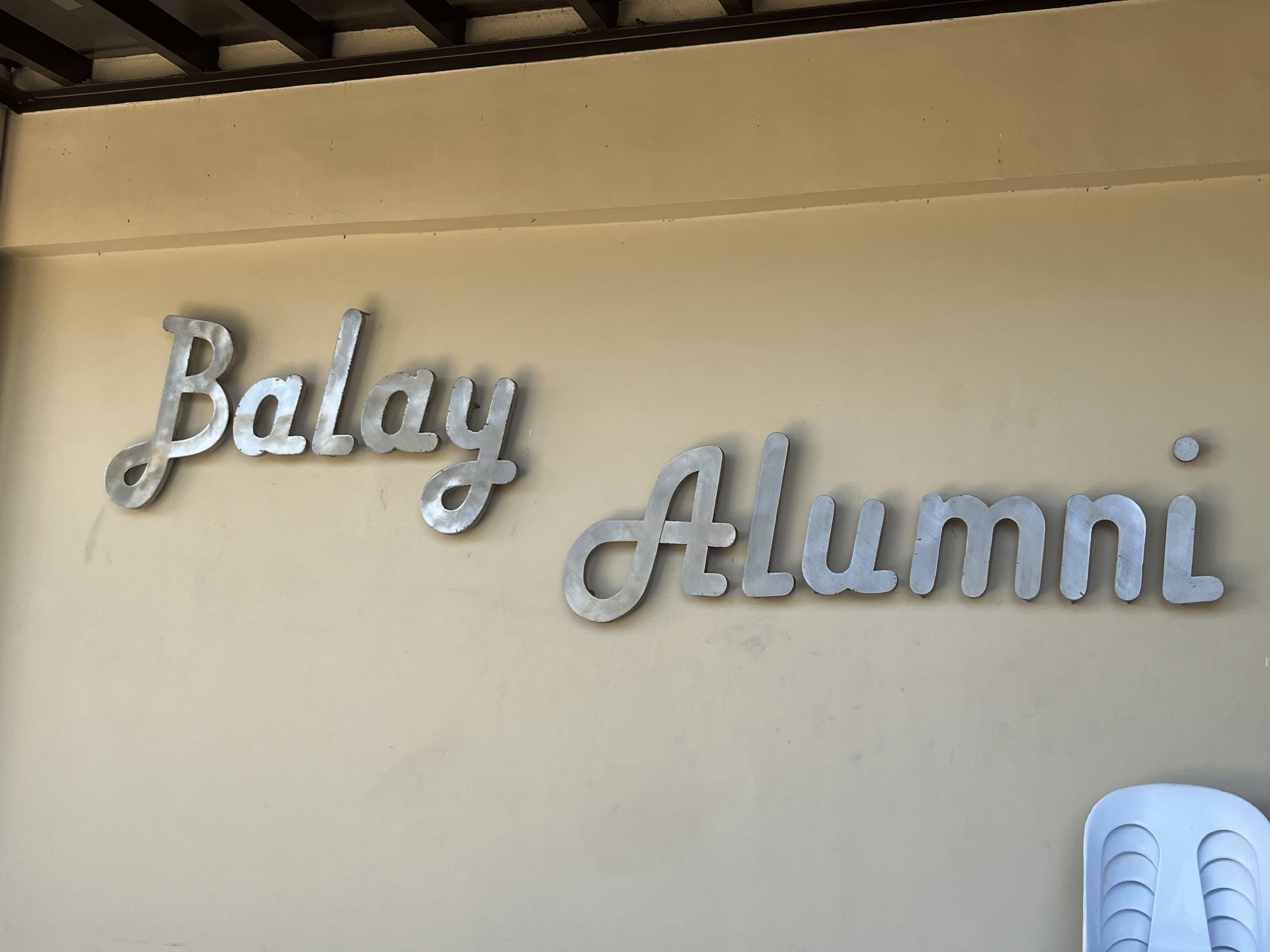
Balay Alumni Function Hall.
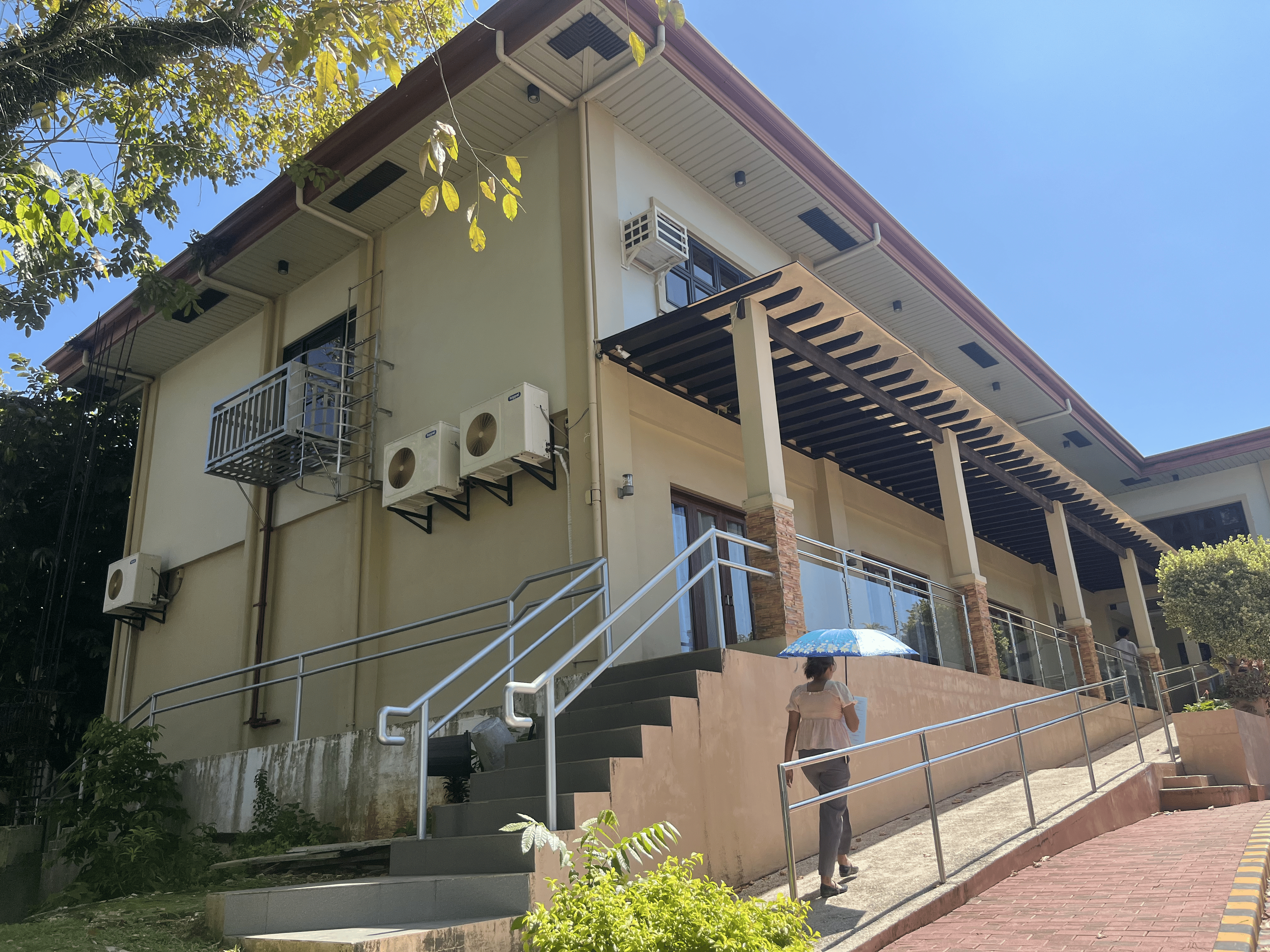
Balay Alumni Function Hall exterior.
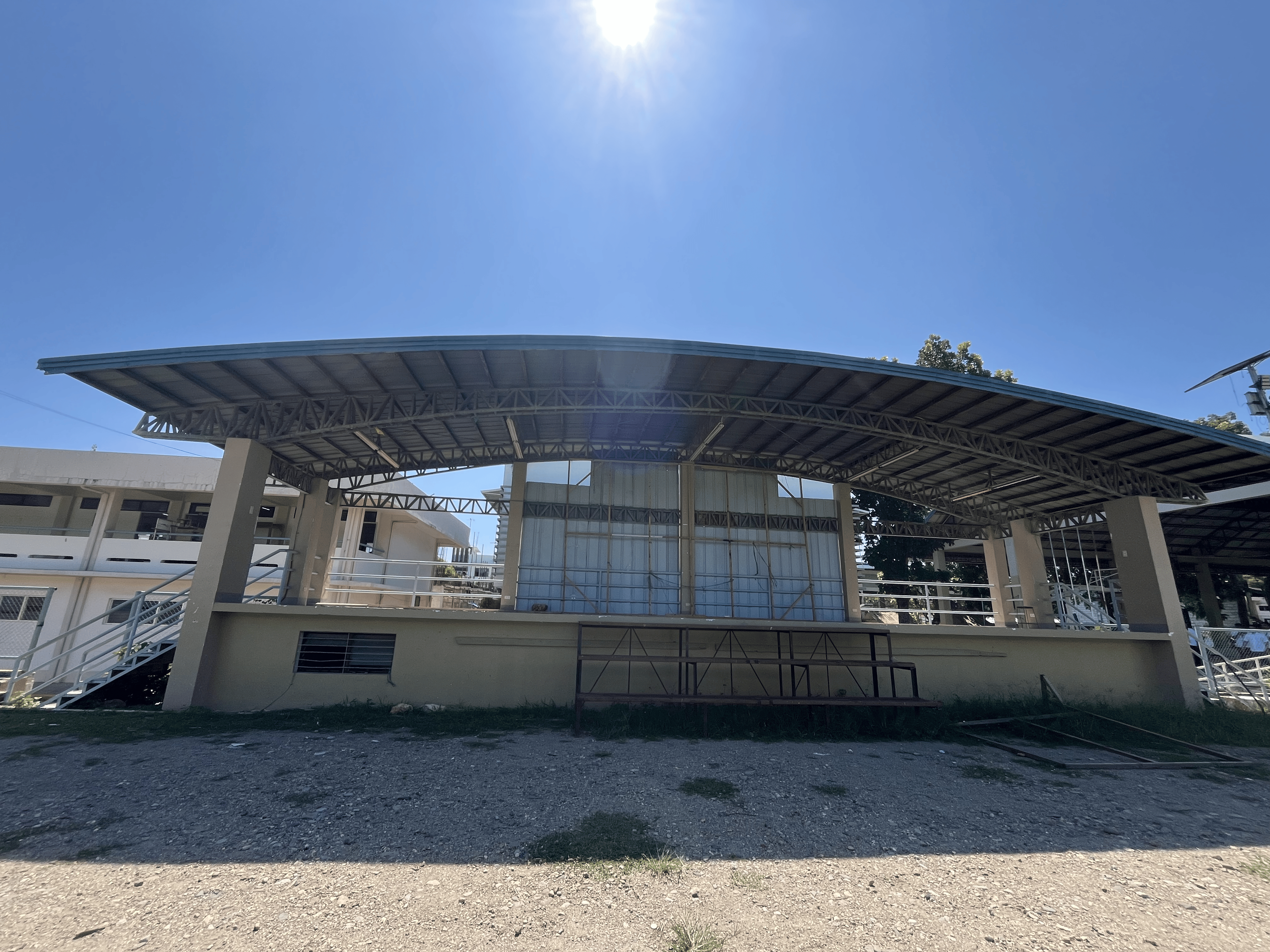
PIT Oval Grounds activity area.
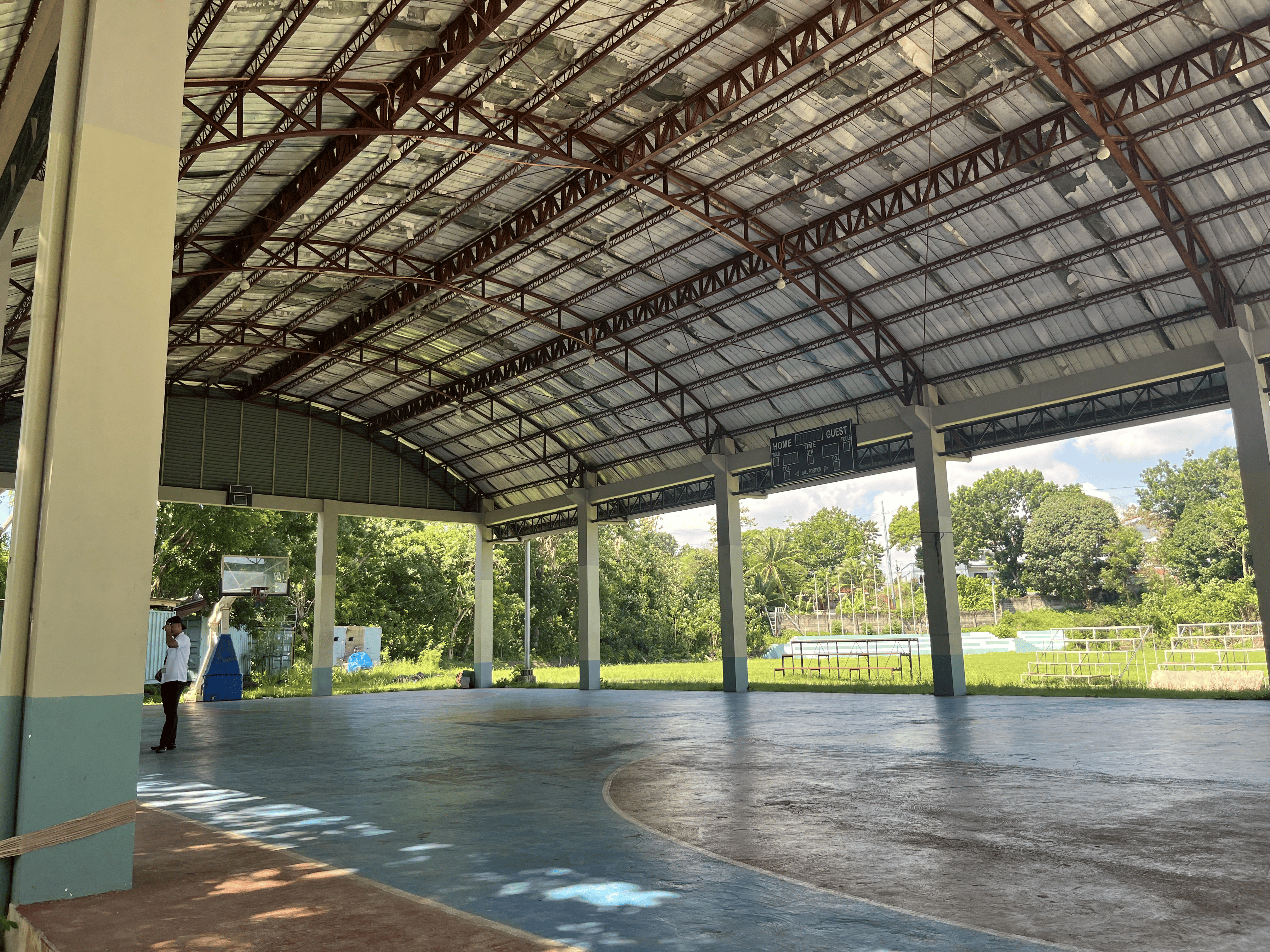
Basketball court activity area.
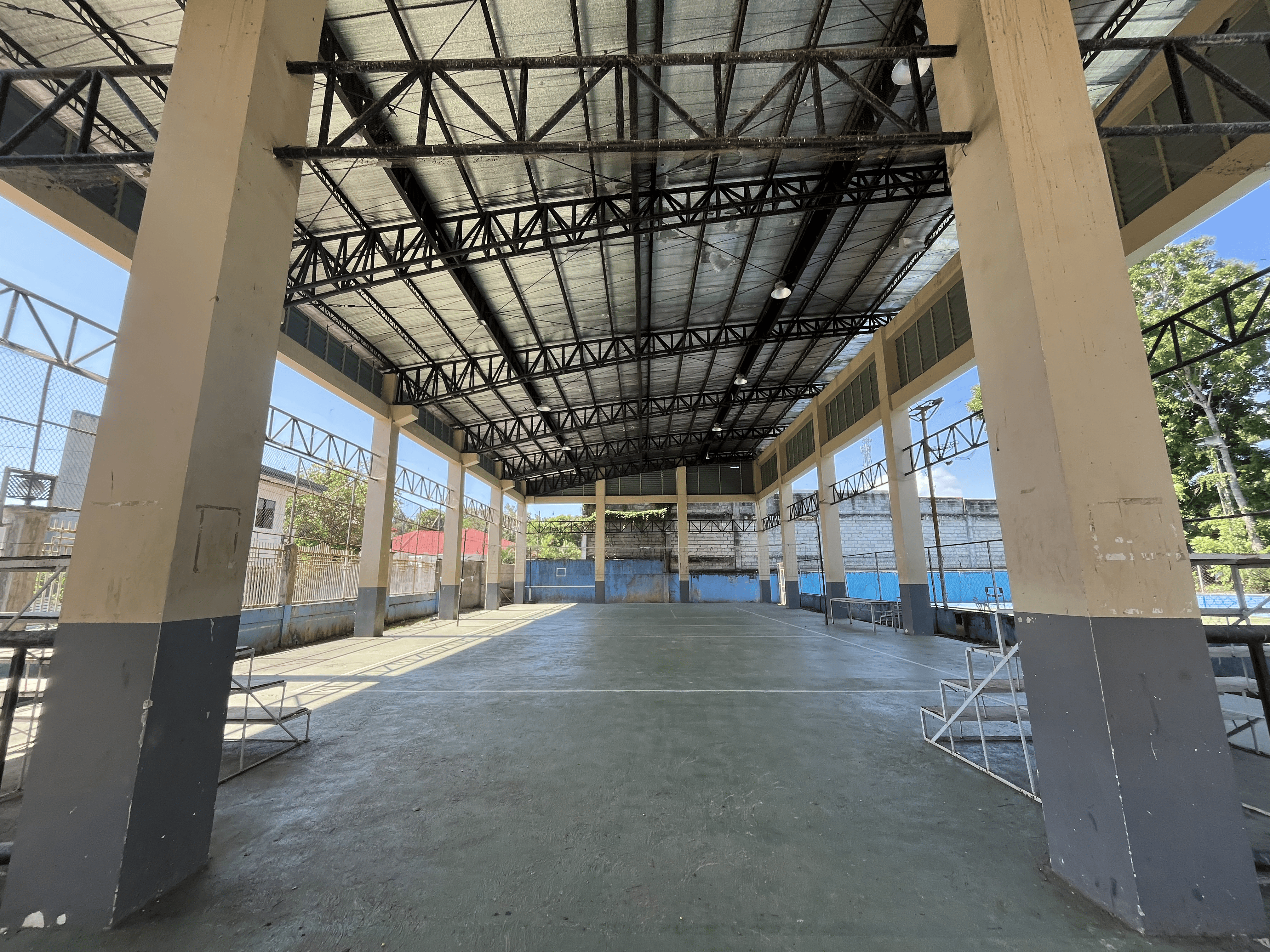
Volleyball Court activity area.
Available resources
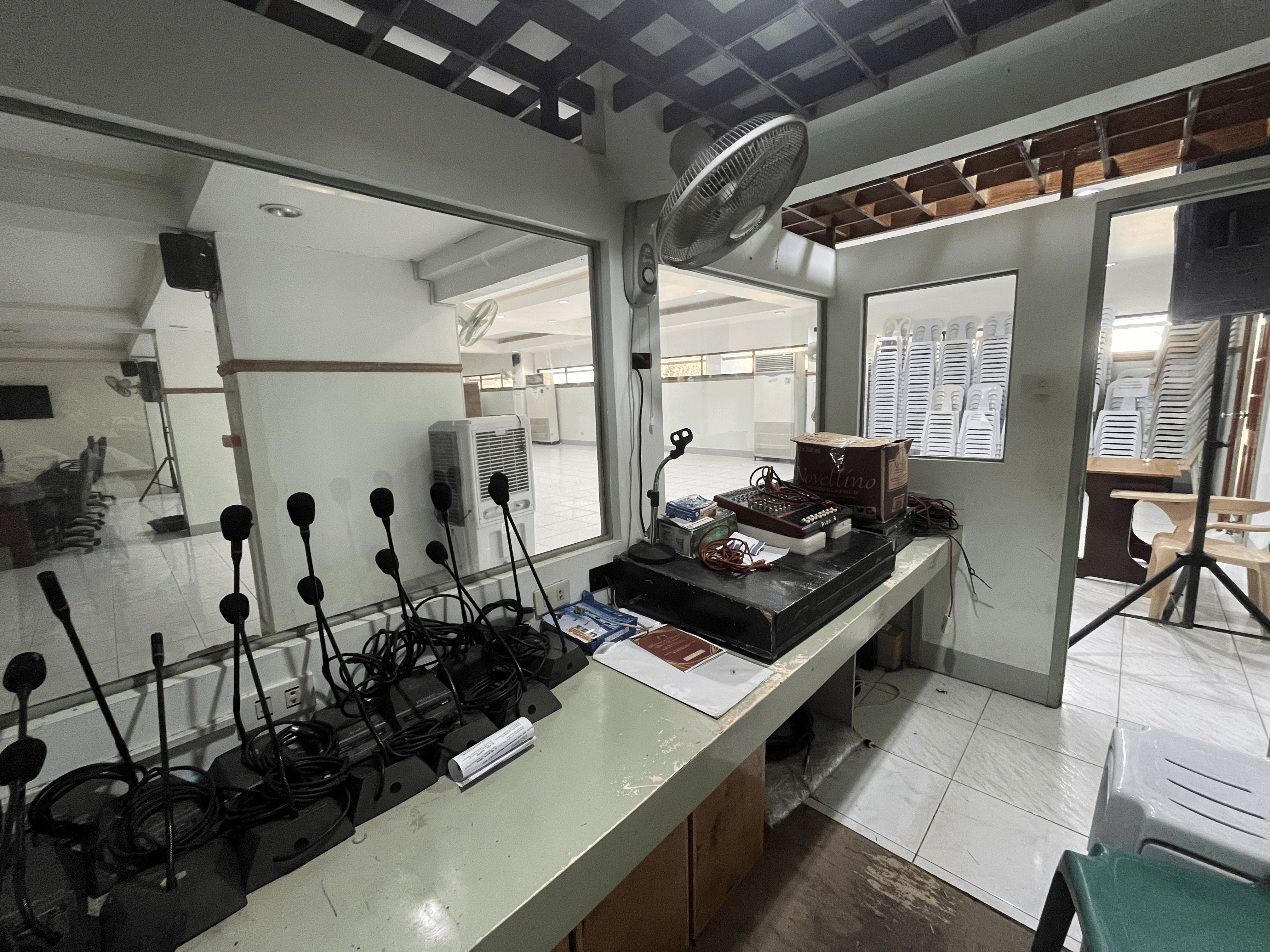
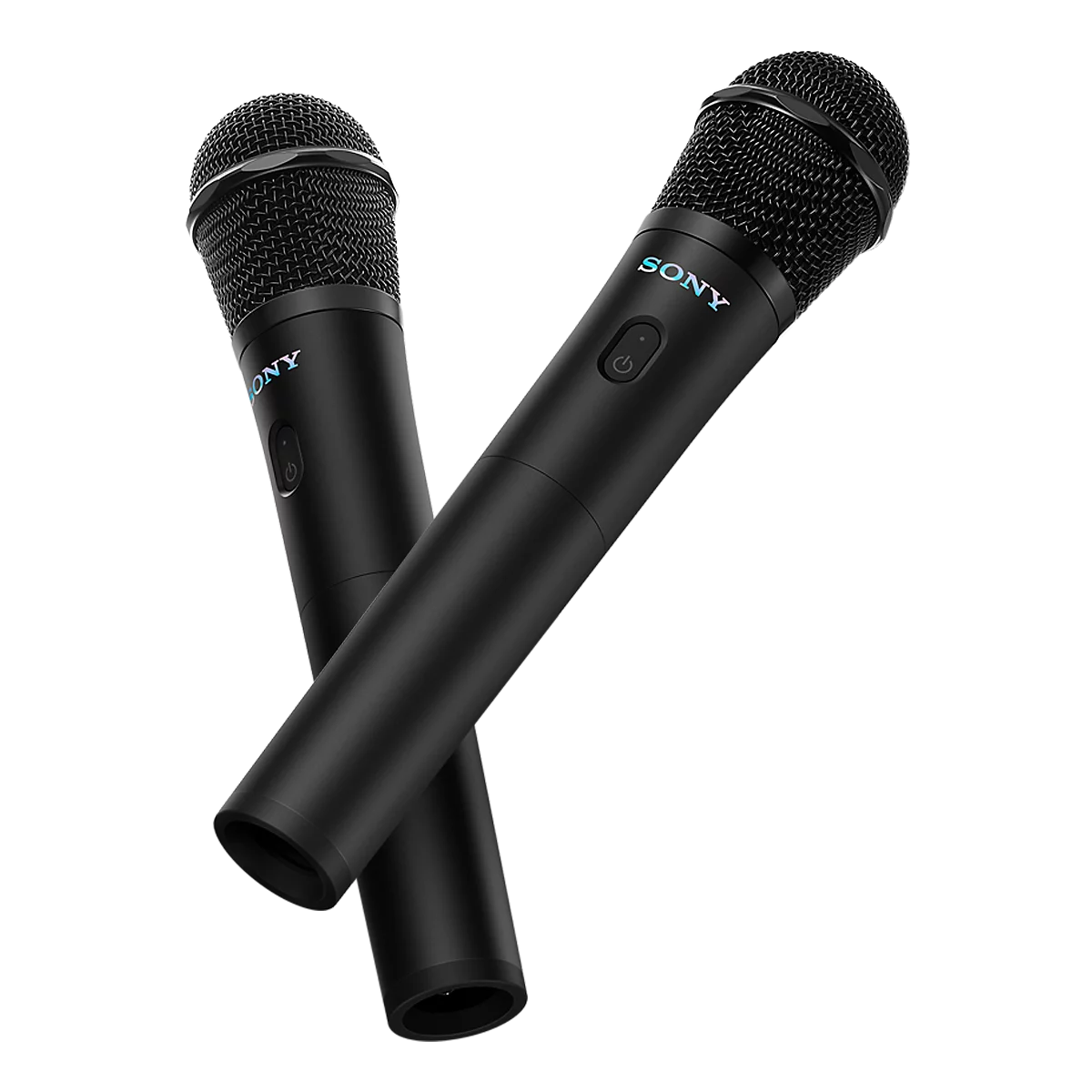
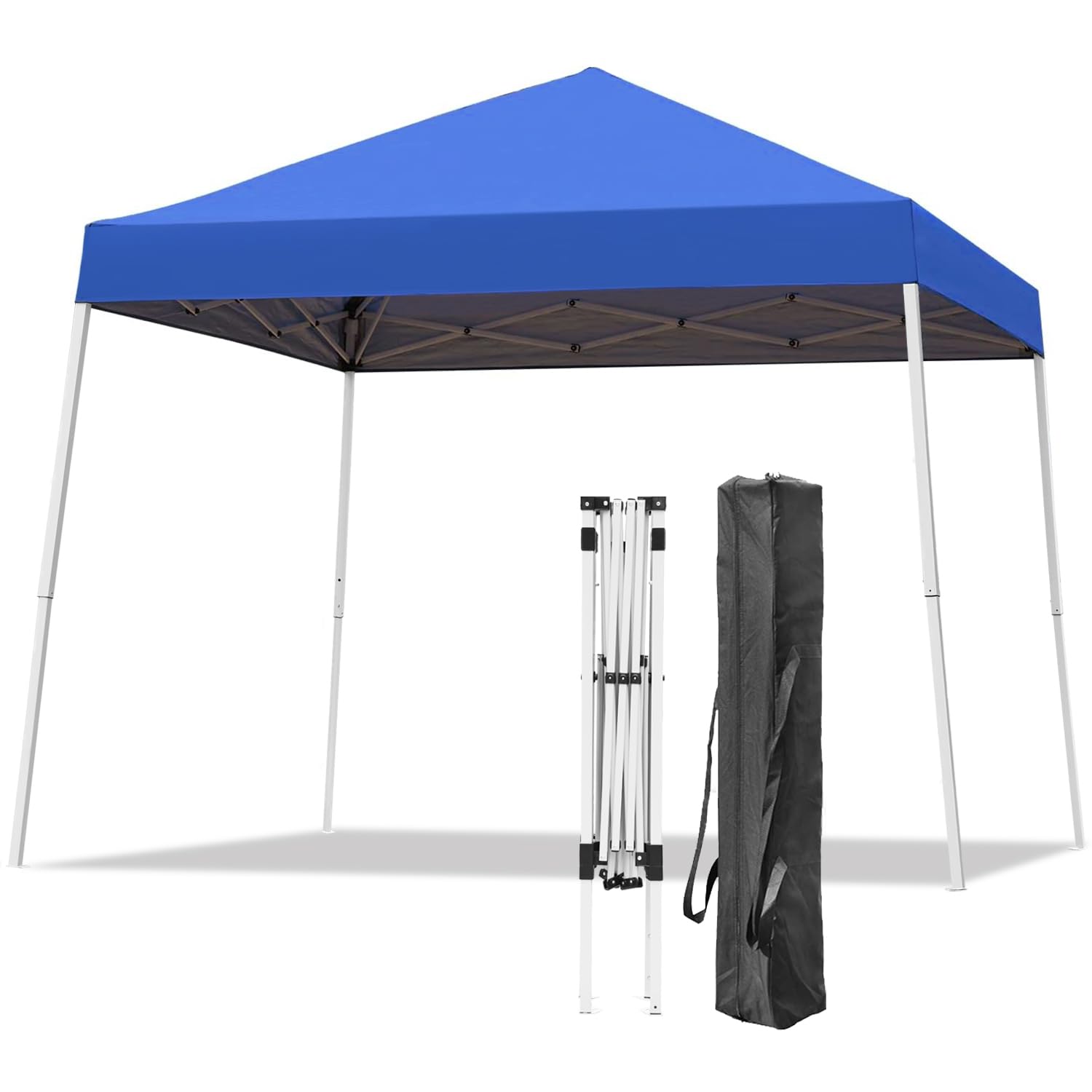
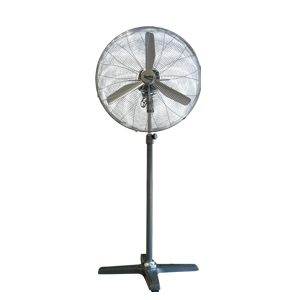
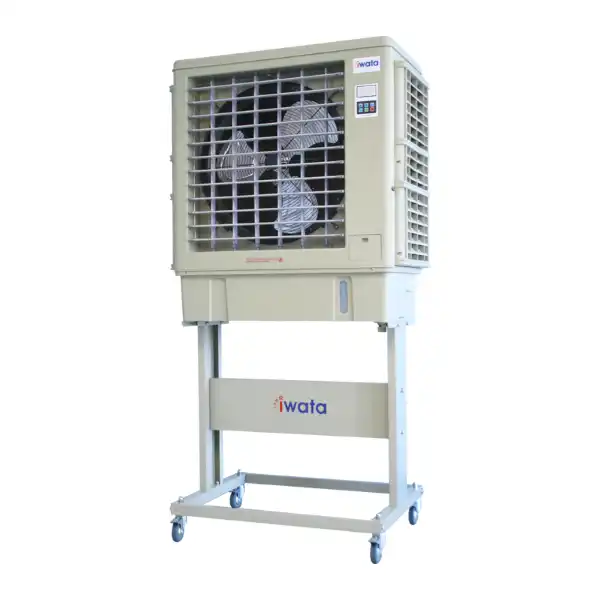
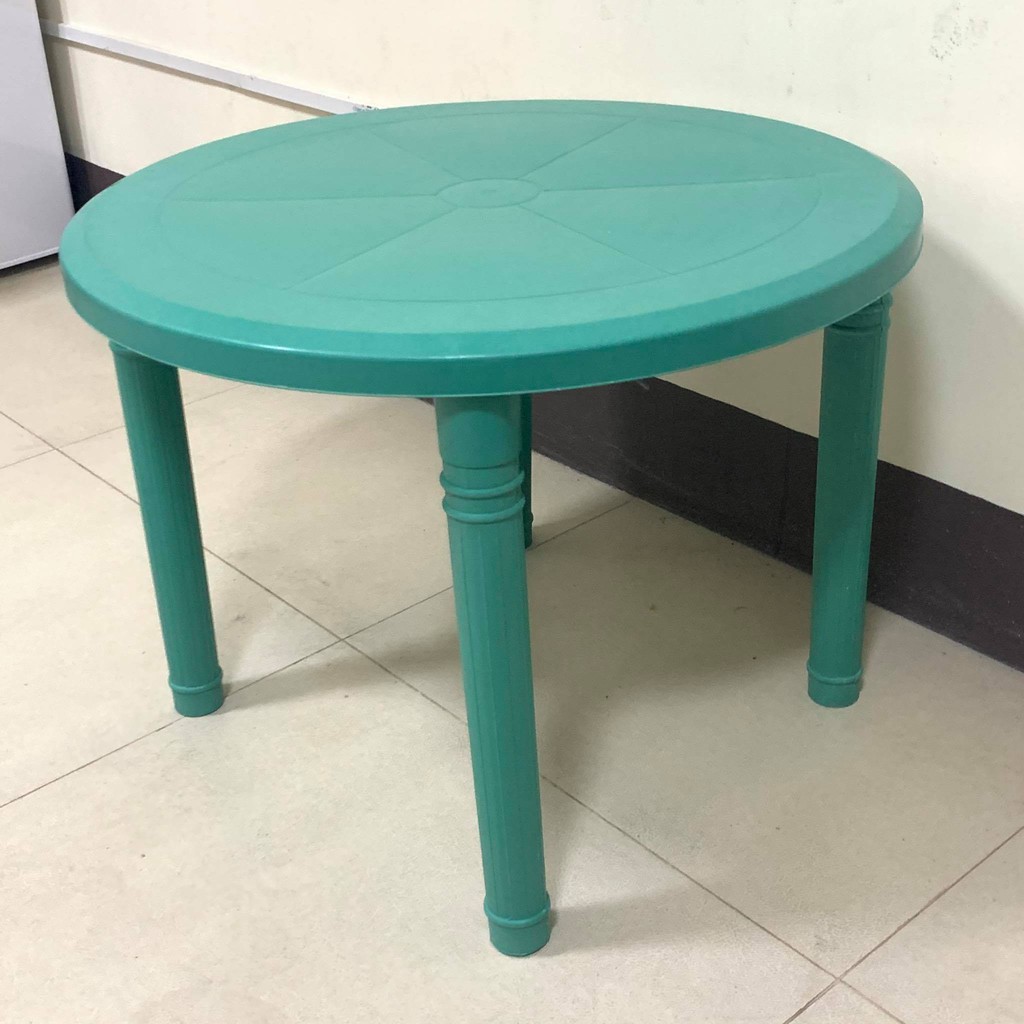

Everything you need to manage facility and equipment requests
Request Conference Hall, Gymnasium, Oval Grounds, and more for your activity
Request sound systems, chairs, tables, microphones, and more for your activity
Log in with your PIT account to access the facility and equipment request portal and begin the reservation process.
Fill out the request form with the activity details, schedule, venue, purpose, and any equipment or support needed.
The custodian checks whether the requested venue or equipment is available, suitable, and properly documented before forwarding it.
The Supply Office validates the request against the approval workflow, queue, and institutional policies before issuing the result.
Once the review is complete, the requestor receives a status notification informing them whether the request was approved, rejected, or needs revision.
Welcome! Please be guided that upon submitting your request, kindly wait for the validation of the Supply Office. Then, the Supply Office will give the final approval before the request is processed. Processing time may take a few hours, days, or months depending on the queue. You will be notified once the review is complete.
New Outsider users can create an account here. Students, staff, and faculty accounts are created by the Admin.
Sign In Now →Contact Us
For account access and reservation concerns, contact the Supply Office using the official details configured for this project.